File list
From CUOSGwiki
Jump to navigationJump to searchThis special page shows all uploaded files.
| Date | Name | Thumbnail | Size | User | Description | Versions |
|---|---|---|---|---|---|---|
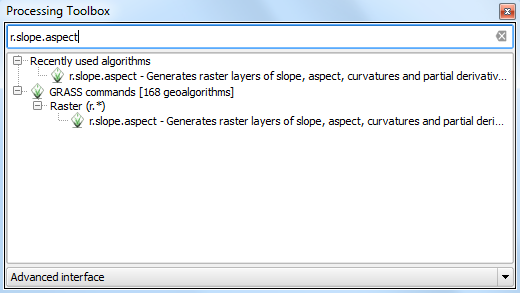
| 19:11, 15 December 2015 | FRA aspect slope tool.PNG (file) |  |
21 KB | Adgey93 | 1 | |
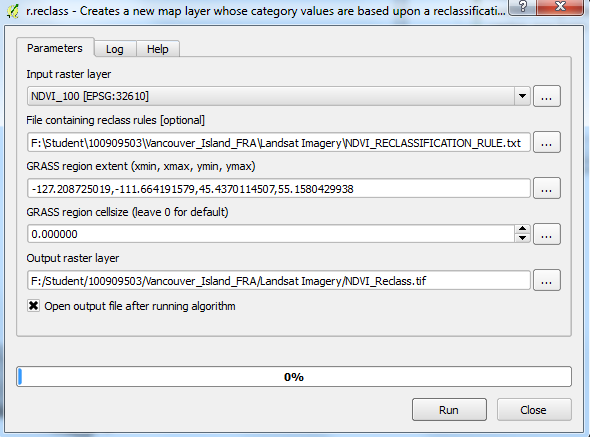
| 18:31, 15 December 2015 | FRA NDVI reclass.PNG (file) |  |
42 KB | Adgey93 | Using the reclassification tool with text rule etc. | 1 |
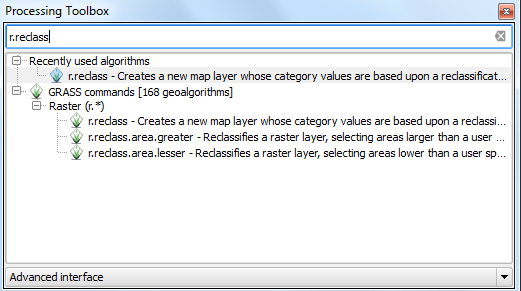
| 18:31, 15 December 2015 | FRA reclass tbox.PNG (file) |  |
25 KB | Adgey93 | Where to find the tool within the advanced interface. | 1 |
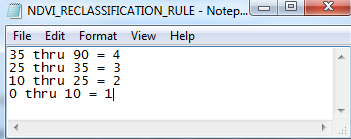
| 18:30, 15 December 2015 | FRA NDVI RECLASS TXT.PNG (file) |  |
14 KB | Adgey93 | Reclass text rule for NDVI. | 1 |
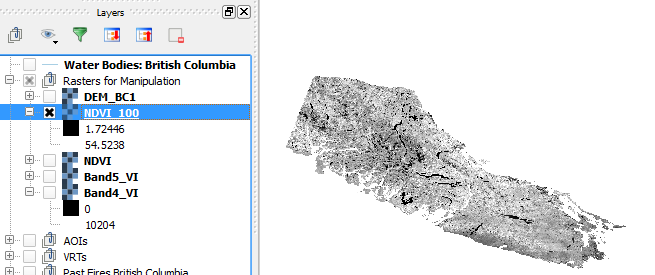
| 17:54, 15 December 2015 | FRA NDVI Map.PNG (file) |  |
57 KB | Adgey93 | The output of the NDVI * 100 calculation with values that will be reclassified and the visualization of what the NDVI looks like. | 1 |
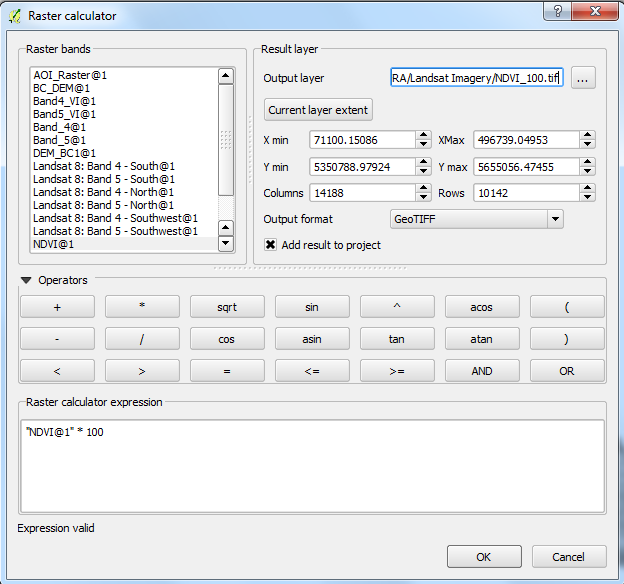
| 17:53, 15 December 2015 | FRA NDVI 100.PNG (file) |  |
47 KB | Adgey93 | NDVI calculation multiplied by 100, in order for reclassification to work. Another small limitation the tool has. | 1 |
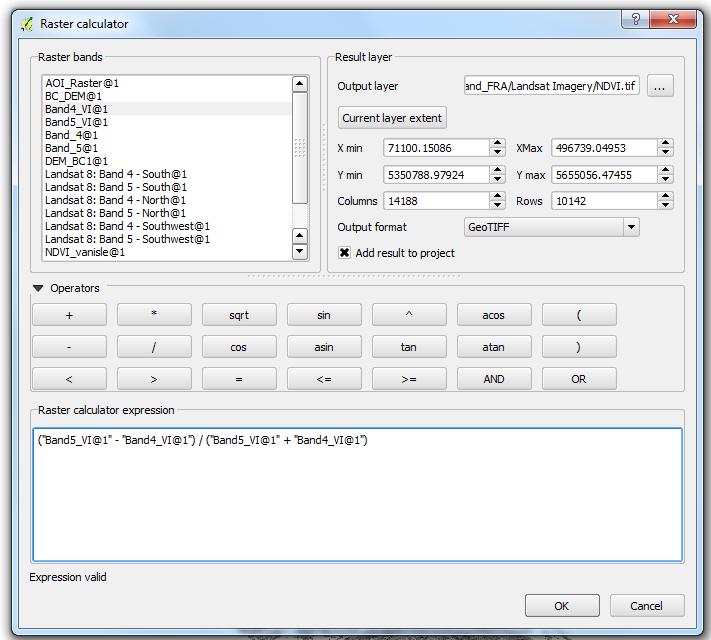
| 17:53, 15 December 2015 | FRA NDVI Calc.PNG (file) |  |
59 KB | Adgey93 | Simple NDVI calculation... this tutorial makes the assumption that the user knows what a NDVI is. | 1 |
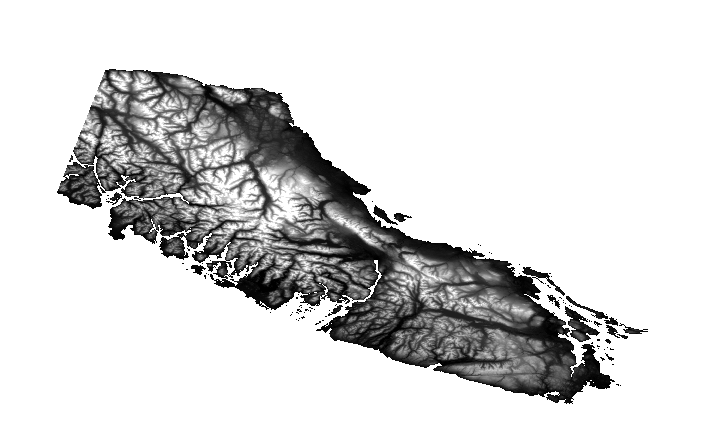
| 16:43, 15 December 2015 | FRA DEM.PNG (file) |  |
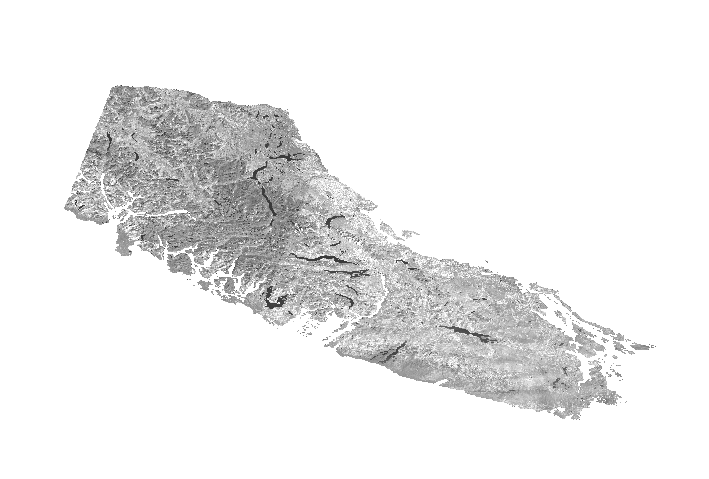
119 KB | Adgey93 | DEM after being clipped to the AOI. | 1 |
| 16:43, 15 December 2015 | FRA Band5.PNG (file) |  |
120 KB | Adgey93 | Band 5 after being clipped to the AOI. | 1 |
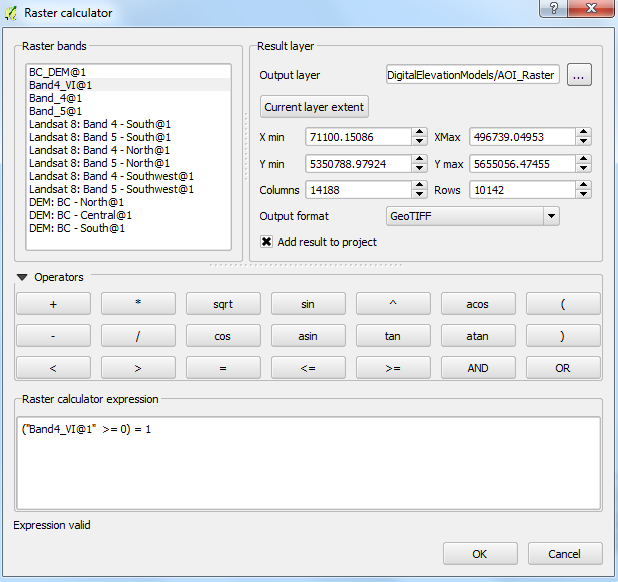
| 16:23, 15 December 2015 | FRA RasterCalc AOI.PNG (file) |  |
44 KB | Adgey93 | 2 | |
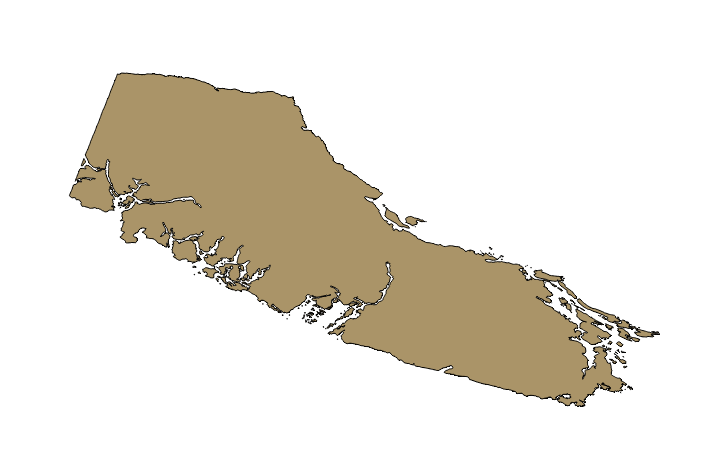
| 16:22, 15 December 2015 | FRA AOI SHP.PNG (file) |  |
39 KB | Adgey93 | 1 | |
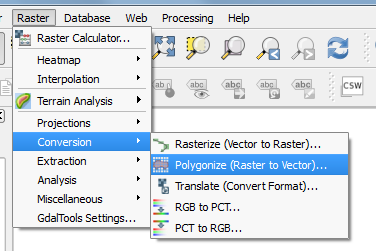
| 16:20, 15 December 2015 | FRA Polygonize.PNG (file) |  |
22 KB | Adgey93 | Tired of those boring old rasters? Want to change up your life and enter the vector world? With one click of a button that is possible!!! For a limited time only, use the polygonize function to make that dream come true!!!! * $19.99 + shipping and... | 1 |
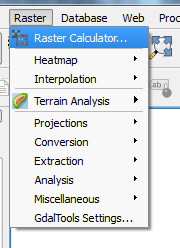
| 16:14, 15 December 2015 | FRA RasterCalculator.PNG (file) |  |
11 KB | Adgey93 | How to use the rast calc... | 1 |
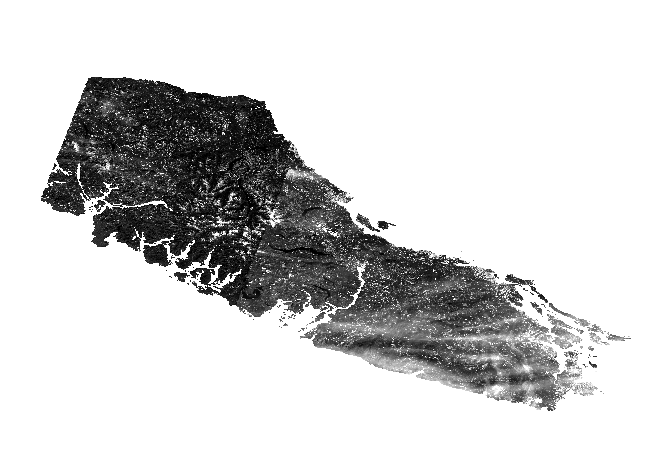
| 16:14, 15 December 2015 | FRA Band4.PNG (file) |  |
121 KB | Adgey93 | Band 4 after a VRT conversion and clipper applied to it... | 1 |
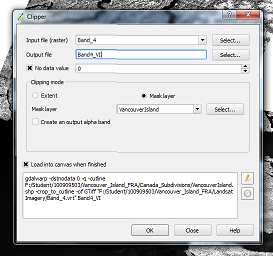
| 15:27, 15 December 2015 | FRA ClipperRules.PNG (file) |  |
55 KB | Adgey93 | The rules to be used for the clipper tool. Following along okay? I highly doubt anyone will actually look at the summary of each of these photos, but props to you if you are reading. cheers. | 1 |
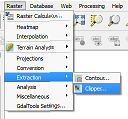
| 15:26, 15 December 2015 | FRA Clipper.PNG (file) |  |
13 KB | Adgey93 | Using the super duper cool clipper tool within the raster toolset provided by QGIS!!!!!!!!! | 1 |
| 15:26, 15 December 2015 | FRA BVRC Save.PNG (file) |  |
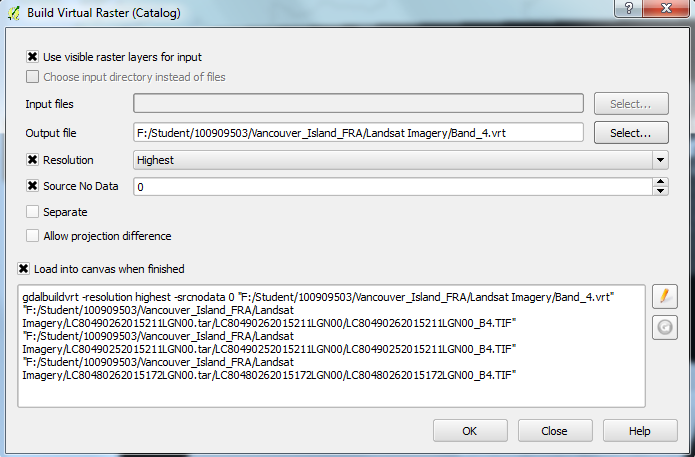
61 KB | Adgey93 | Now you have to actually save the VRT, the methods used to create it can be applied to all other Rasters that need to be 'merged'. | 1 |
| 15:25, 15 December 2015 | FRA RasterBVRC.PNG (file) |  |
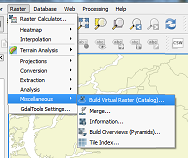
28 KB | Adgey93 | Build a virtual raster catalog and most importantly... have fun!!! | 1 |
| 14:35, 15 December 2015 | FRA SelectFeatures VI Save.PNG (file) |  |
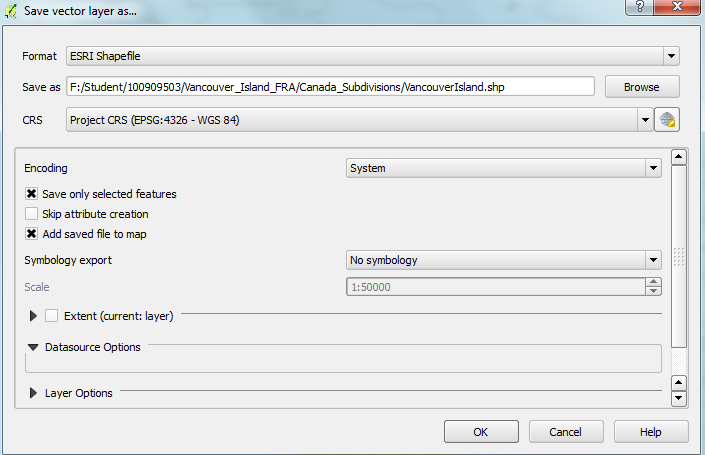
42 KB | Adgey93 | 2 | |
| 14:32, 15 December 2015 | FRA SelectFeatures VI.PNG (file) |  |
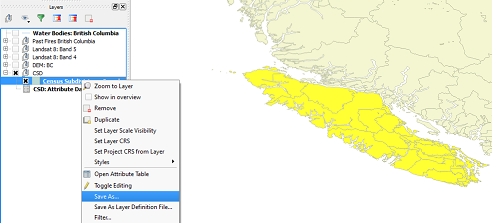
66 KB | Adgey93 | This is what your select features should look like unless you changed the color to your select features, in that case - you probably know what you're doing. | 1 |
| 14:30, 15 December 2015 | FRA AttributeToolbar.PNG (file) |  |
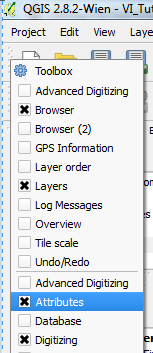
16 KB | Adgey93 | You gotta ensure that attribute toolbar is on, otherwise you will not be able to select features and make a new shapefile, which isn't cool. | 1 |
| 14:29, 15 December 2015 | FRA SelectFeatures.PNG (file) |  |
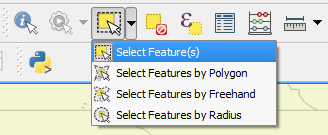
13 KB | Adgey93 | Select features with QGIS and all the cool functionality it has... for FREE!!! | 1 |
| 13:47, 15 December 2015 | FRA IdealGrouping.PNG (file) |  |
25 KB | Adgey93 | Ideal grouping situation, yo. | 1 |
| 13:46, 15 December 2015 | FRA GroupLayers.PNG (file) |  |
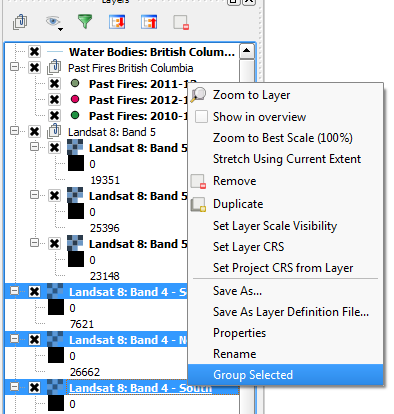
26 KB | Adgey93 | How to group layers 101. | 1 |
| 13:27, 15 December 2015 | FRA RenamedData.PNG (file) |  |
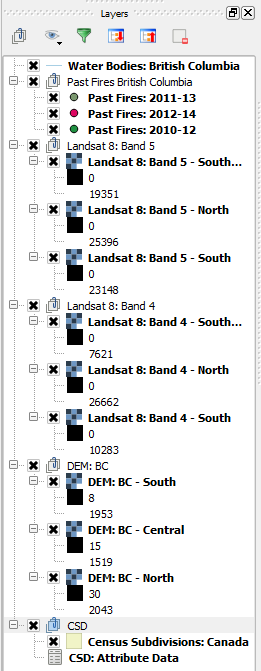
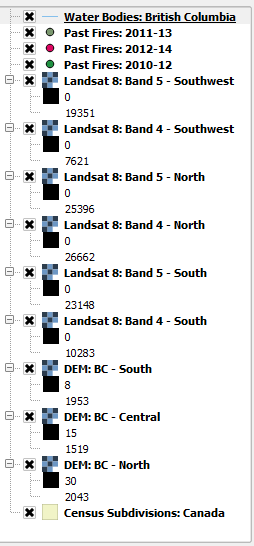
16 KB | Adgey93 | Clean and renamed layers. | 1 |
| 13:27, 15 December 2015 | FRA ChangeLayerProperties.PNG (file) |  |
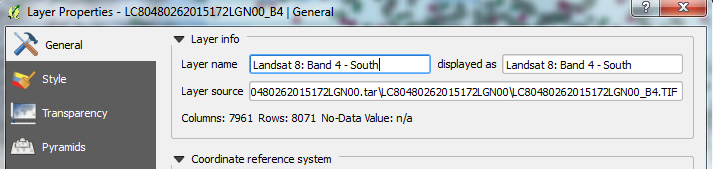
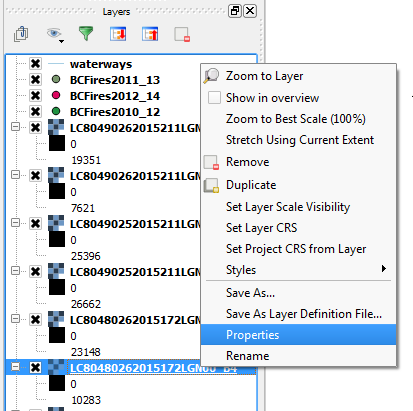
65 KB | Adgey93 | Changing the name of layer properties. | 1 |
| 13:26, 15 December 2015 | FRA LayerProperties.PNG (file) |  |
24 KB | Adgey93 | Layer properties within QGIS. | 1 |
| 13:26, 15 December 2015 | FRA MessyLayers.PNG (file) |  |
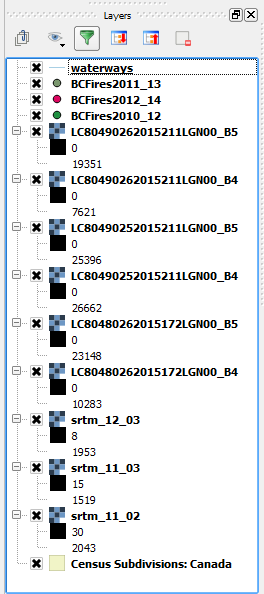
20 KB | Adgey93 | Messy data layers within QGIS. | 1 |
| 12:43, 15 December 2015 | FRA Landsat8 RedNIR.PNG (file) |  |
85 KB | Adgey93 | 1 | |
| 12:23, 15 December 2015 | FRA AddVector.PNG (file) |  |
1 KB | Adgey93 | Adding vector data button on QGIS. | 1 |
| 12:23, 15 December 2015 | FRA AddRaster.PNG (file) |  |
775 bytes | Adgey93 | Adding raster data button on QGIS. | 1 |
| 12:16, 15 December 2015 | FRA Processing toolbox.PNG (file) |  |
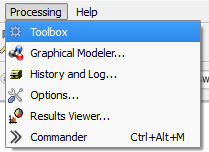
6 KB | Adgey93 | Opening the processing toolbox in order to do something super cool... | 1 |
| 12:16, 15 December 2015 | FRA AdvancedInterface.PNG (file) |  |
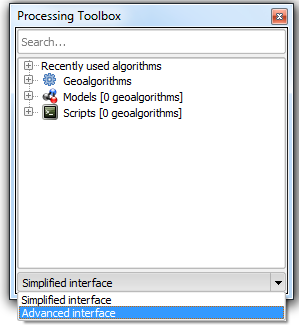
17 KB | Adgey93 | Advanced toolbox interface selection... | 1 |
| 12:07, 15 December 2015 | FRA HeatmapPlugin.PNG (file) |  |
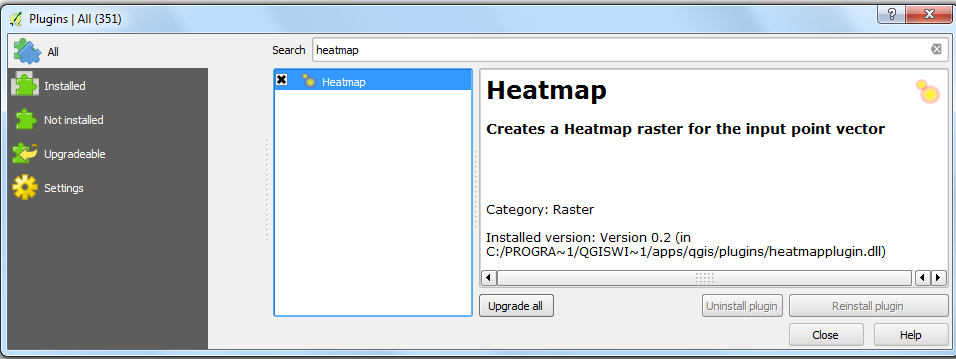
46 KB | Adgey93 | This is the super cool heatmap plugin, that creates rasters based on spatial pattern or clustering of vector points. It is different from an interpolation because it does not require a z-value. | 1 |
| 12:06, 15 December 2015 | FRA ManagePlugins.PNG (file) |  |
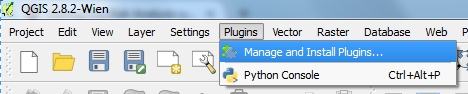
22 KB | Adgey93 | Adding a plugin is as easy as 1, 2, 3. | 1 |
| 11:46, 15 December 2015 | FRA Environment CRS.PNG (file) |  |
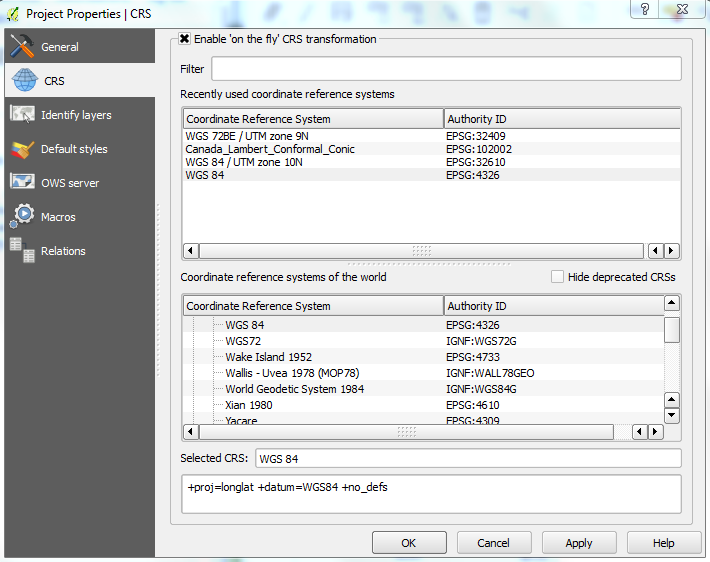
68 KB | Adgey93 | Setting up the environments, choosing an appropriate coordinate system. | 1 |
| 11:45, 15 December 2015 | FRA Environment.PNG (file) |  |
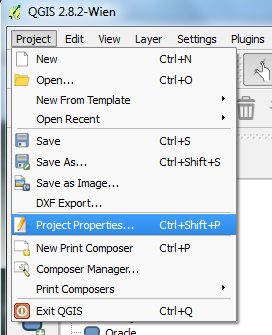
31 KB | Adgey93 | Setting up the environment, properties tab. | 1 |
| 11:05, 15 December 2015 | FRA datatable.PNG (file) |  |
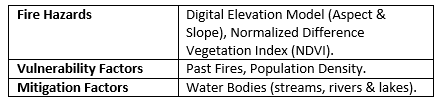
7 KB | Adgey93 | 2 | |
| 10:10, 15 December 2015 | FRA StudyArea.png (file) |  |
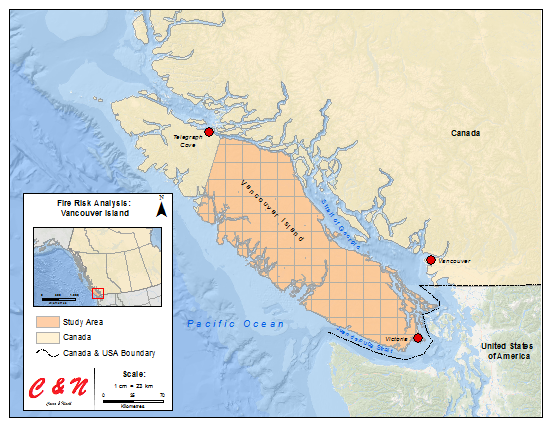
305 KB | Adgey93 | Study area for the Fire Risk Analysis tutorial, pink grid feature indicates the study area. | 2 |
| 16:58, 10 December 2015 | Channel4.png (file) |  |
340 KB | Srichy | 1 | |
| 16:58, 10 December 2015 | Channel3.png (file) |  |
571 KB | Srichy | 1 | |
| 16:58, 10 December 2015 | Channel2.png (file) |  |
921 KB | Srichy | 1 | |
| 16:57, 10 December 2015 | Channel1.png (file) |  |
275 KB | Srichy | 1 | |
| 16:49, 10 December 2015 | Catch7.png (file) |  |
1.08 MB | Srichy | 1 | |
| 16:49, 10 December 2015 | Catch6.png (file) |  |
1.13 MB | Srichy | 1 | |
| 16:37, 10 December 2015 | Catch5.png (file) |  |
1.14 MB | Srichy | 1 | |
| 16:37, 10 December 2015 | Catch4.png (file) |  |
1.12 MB | Srichy | 1 | |
| 16:37, 10 December 2015 | Catch3.png (file) |  |
1.35 MB | Srichy | 1 | |
| 16:36, 10 December 2015 | Catch2.png (file) |  |
1.07 MB | Srichy | 1 | |
| 16:36, 10 December 2015 | Catch1.png (file) |  |
362 KB | Srichy | 1 |