File list
From CUOSGwiki
Jump to navigationJump to searchThis special page shows all uploaded files.
| Date | Name | Thumbnail | Size | User | Description | Versions |
|---|---|---|---|---|---|---|
| 16:28, 6 December 2020 | Unsupervised commands.png (file) |  |
128 KB | Morganbordillon | 1 | |
| 16:10, 6 December 2020 | Workspace.png (file) |  |
858 KB | Morganbordillon | 1 | |
| 15:56, 6 December 2020 | Display maps.png (file) |  |
142 KB | Morganbordillon | 1 | |
| 15:50, 6 December 2020 | Opening Images2.png (file) |  |
89 KB | Morganbordillon | 1 | |
| 15:45, 6 December 2020 | Opening Images.png (file) |  |
148 KB | Morganbordillon | 1 | |
| 16:25, 5 December 2020 | Orleans2006.tif (file) |  |
299 KB | Morganbordillon | 1 | |
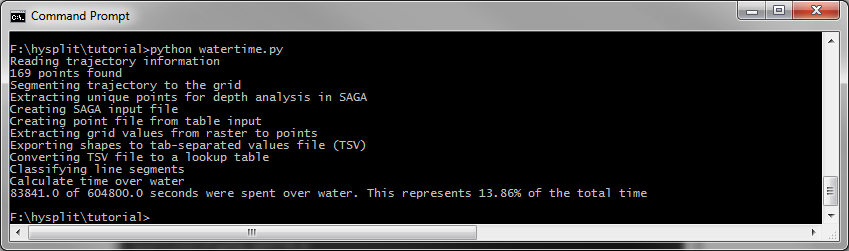
| 11:15, 3 December 2020 | Et2020 watertime output.png (file) |  |
32 KB | Erinturnbull | Example output from running the Python script | 1 |
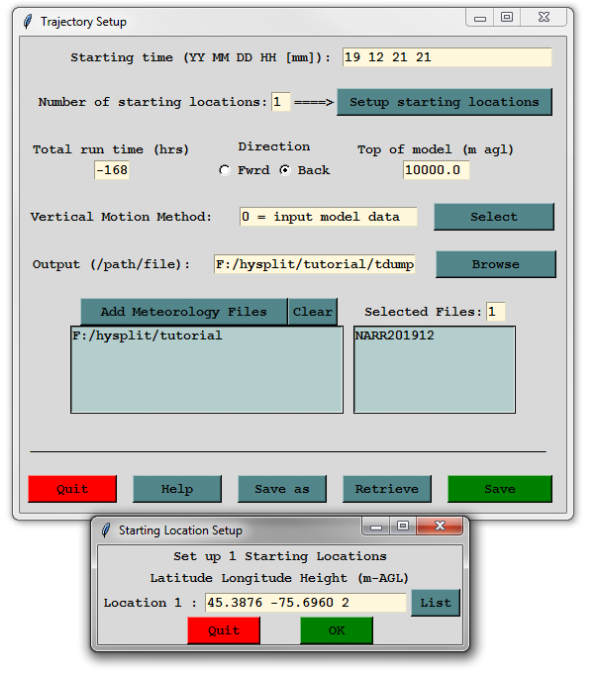
| 11:14, 3 December 2020 | Et2020 trajectory setup.png (file) |  |
106 KB | Erinturnbull | Example of how to setup the model in Hysplit | 1 |
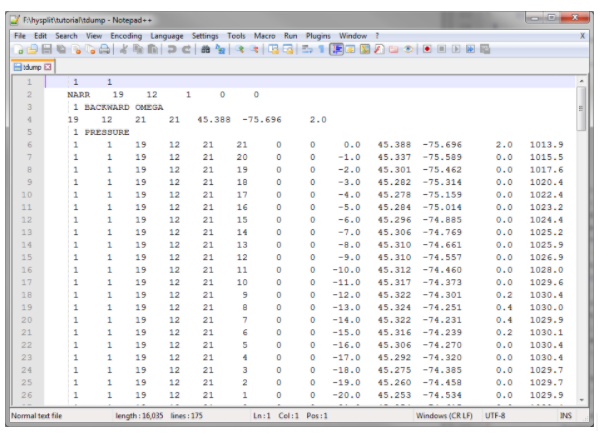
| 11:13, 3 December 2020 | Et2020 tdump output.png (file) |  |
141 KB | Erinturnbull | An example of the Hysplit output file | 1 |
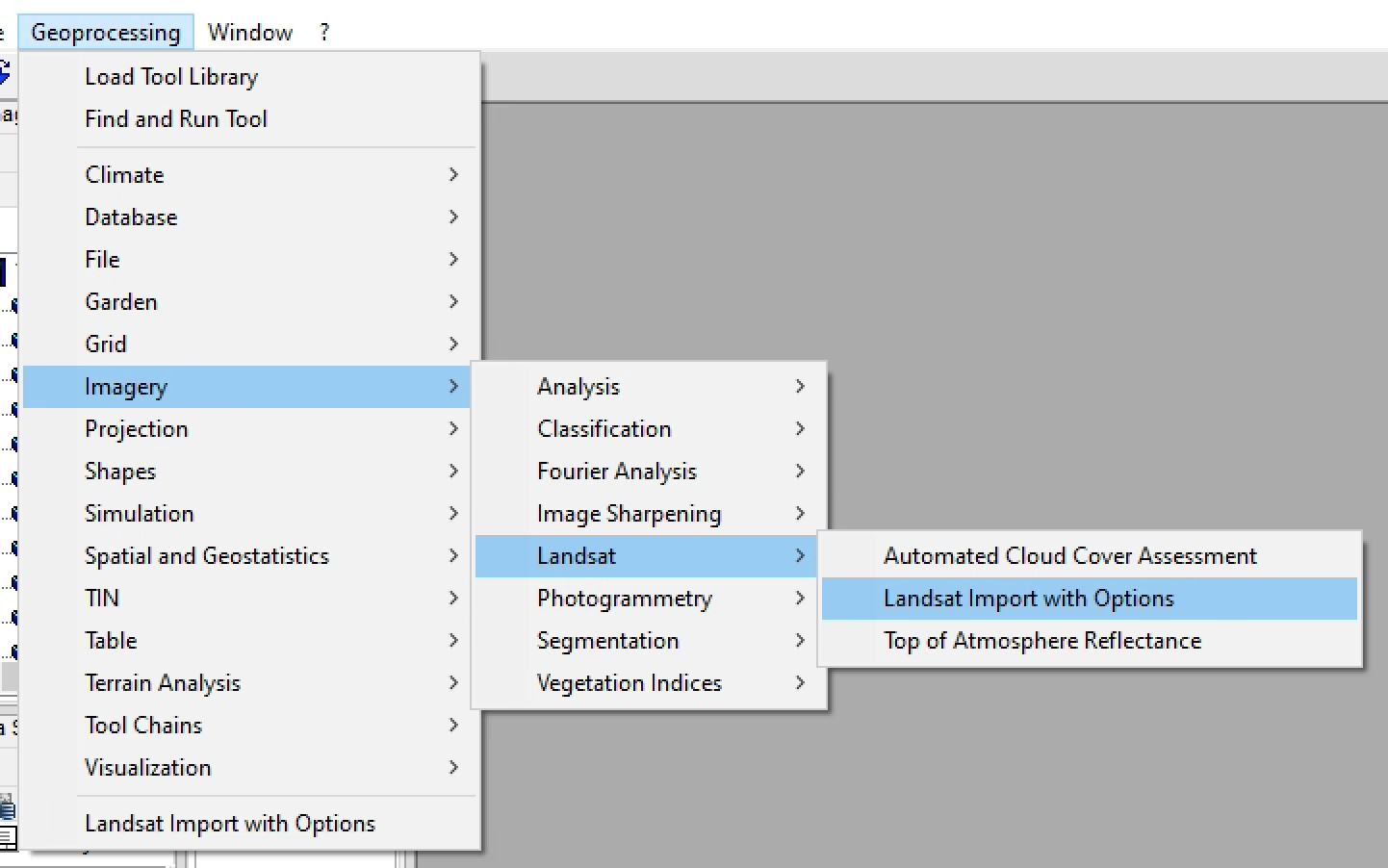
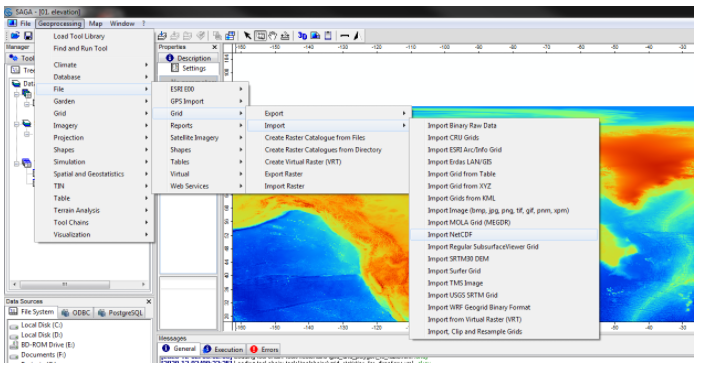
| 11:12, 3 December 2020 | Et 2020 saga example import netcdf.png (file) |  |
189 KB | Erinturnbull | How to find the Import NetCDF button in SAGA | 1 |
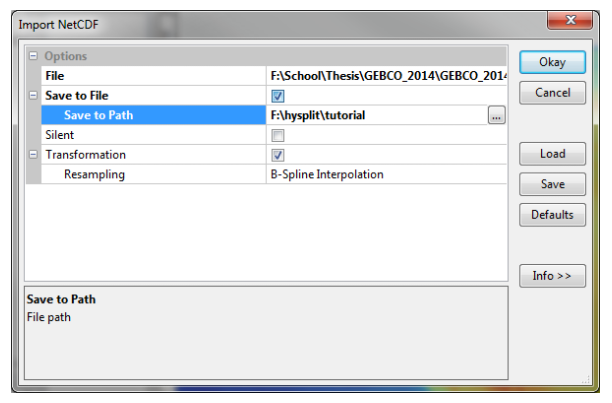
| 11:12, 3 December 2020 | Et2020 saga detailed example.png (file) |  |
61 KB | Erinturnbull | Detailed example of how to run a NetCDF import in SAGA GIS | 1 |
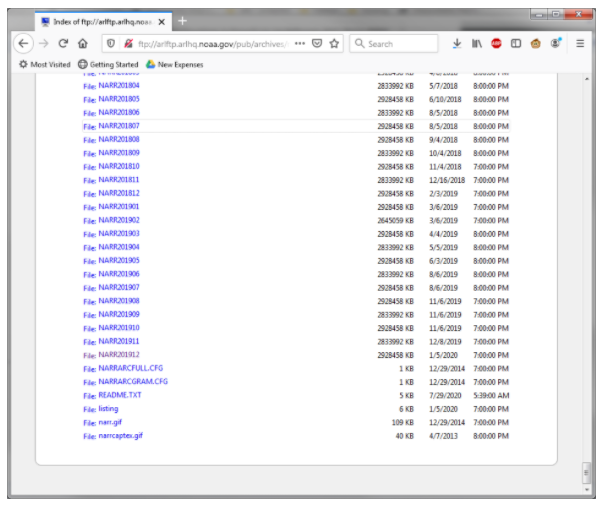
| 11:11, 3 December 2020 | Et2020 narr dataset.png (file) |  |
121 KB | Erinturnbull | An example of what the NARR dataset download page looks like | 1 |
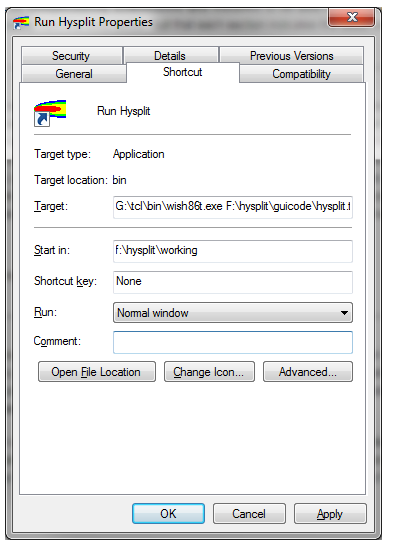
| 11:09, 3 December 2020 | Et2020 hysplit properties.png (file) |  |
36 KB | Erinturnbull | An image of how to add the Tcl/Tk interpreted to the path to launch Hysplit | 1 |
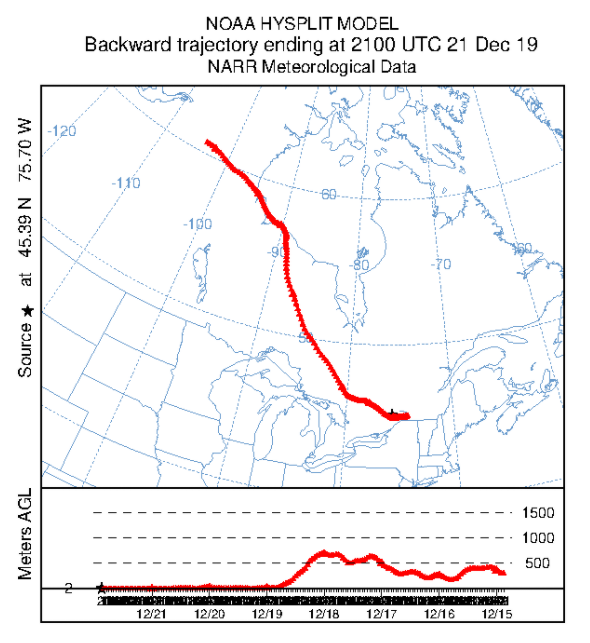
| 11:09, 3 December 2020 | Et2020 hysplit output.png (file) |  |
144 KB | Erinturnbull | Example output of a Hysplit backtrajectory analysis | 1 |
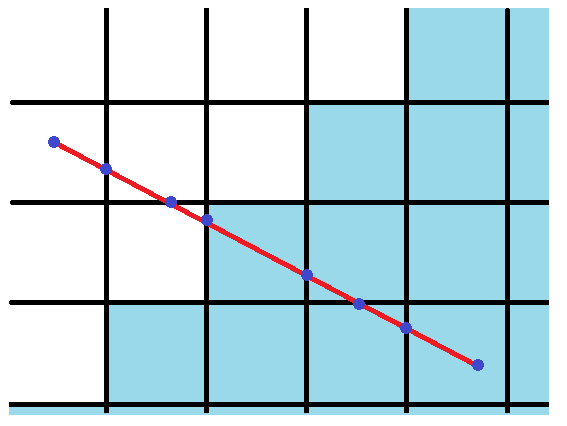
| 11:08, 3 December 2020 | Et2020 grid example.png (file) |  |
14 KB | Erinturnbull | An example of where a line can be segmented across a grid | 1 |
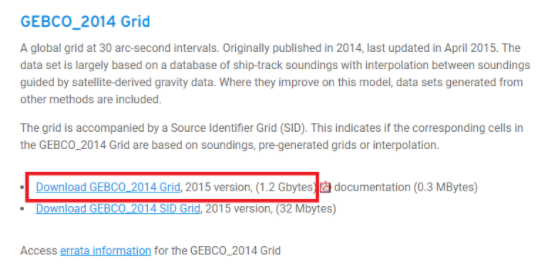
| 11:06, 3 December 2020 | Et2020 gebco dataset.png (file) |  |
83 KB | Erinturnbull | A picture of how to download the GEBCO 2014 dataset. | 1 |
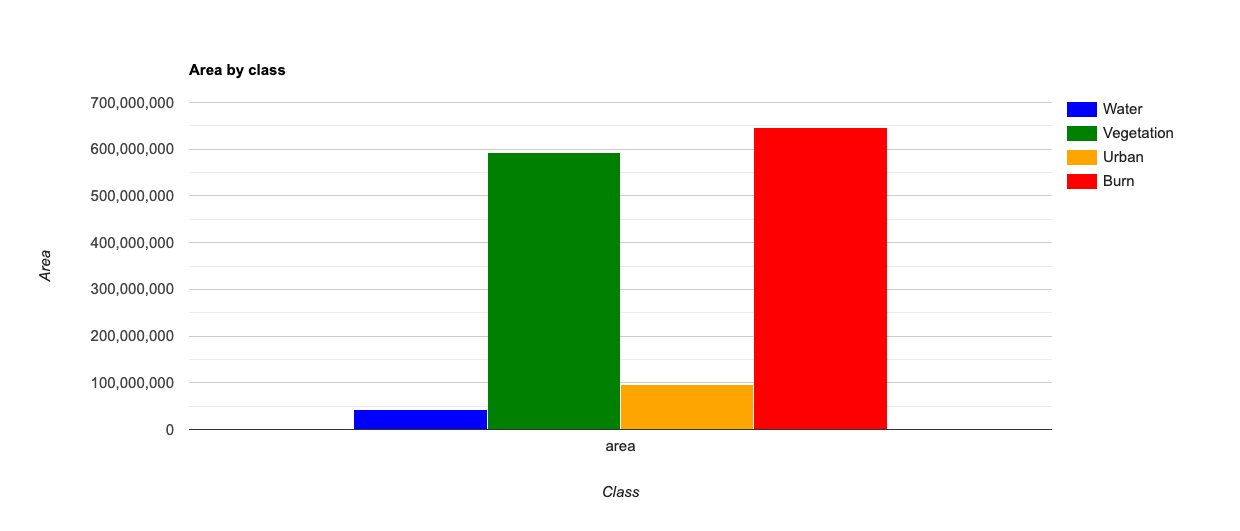
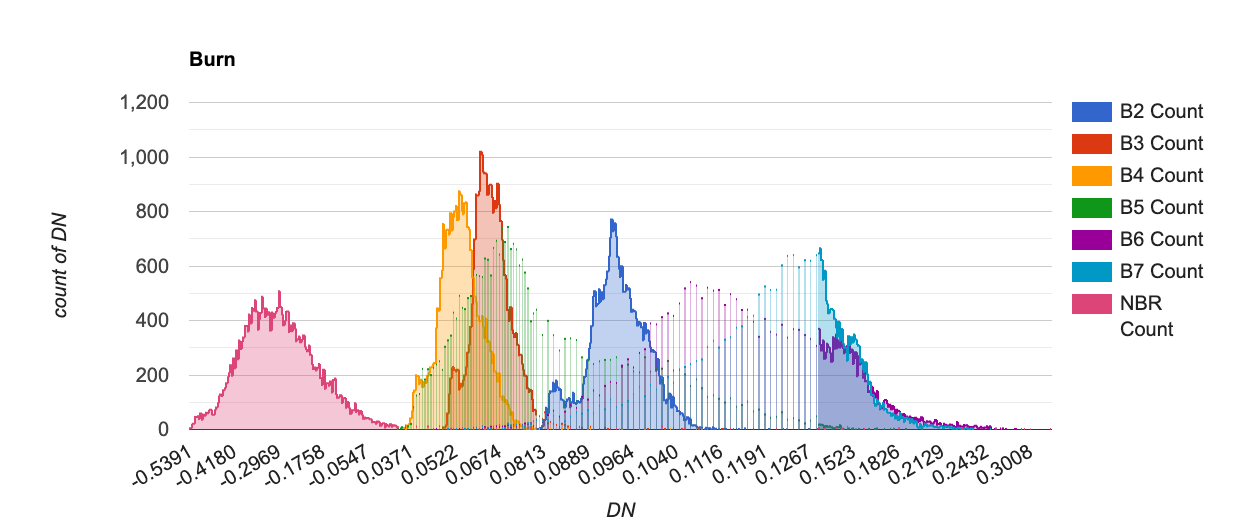
| 12:44, 20 November 2020 | Barchart.png (file) |  |
41 KB | Loucasdiamantboustea | 1 | |
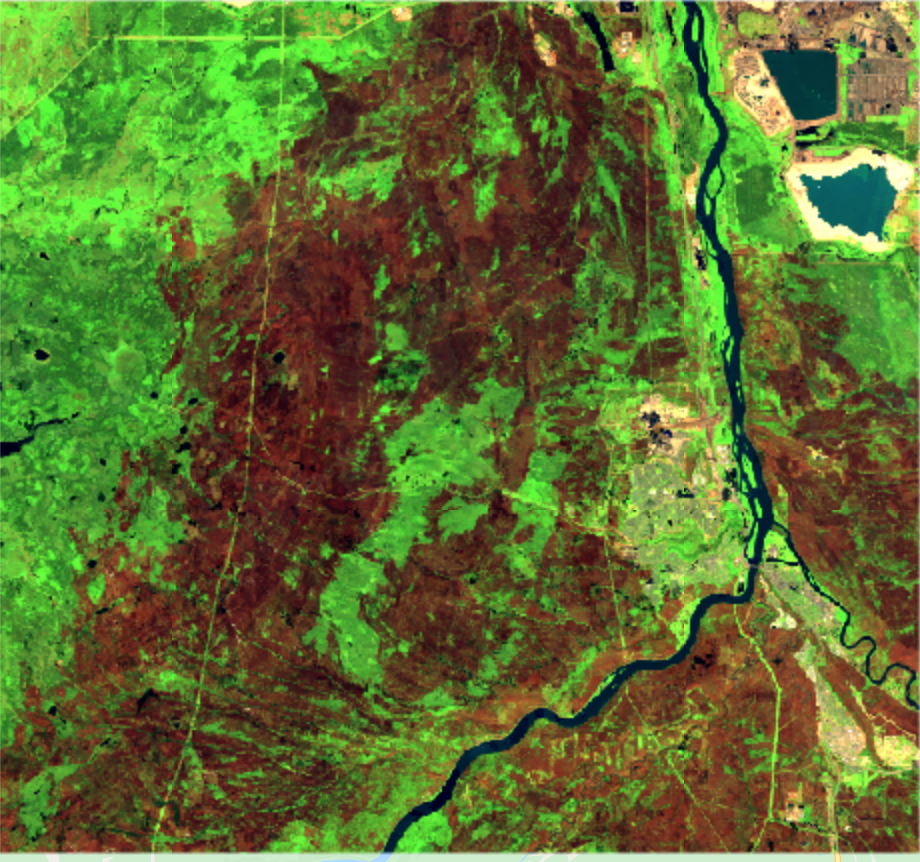
| 12:15, 20 November 2020 | PostBurn.png (file) |  |
297 KB | Loucasdiamantboustea | 1 | |
| 10:42, 18 November 2020 | Ee-chart.png (file) |  |
88 KB | Loucasdiamantboustea | 1 | |
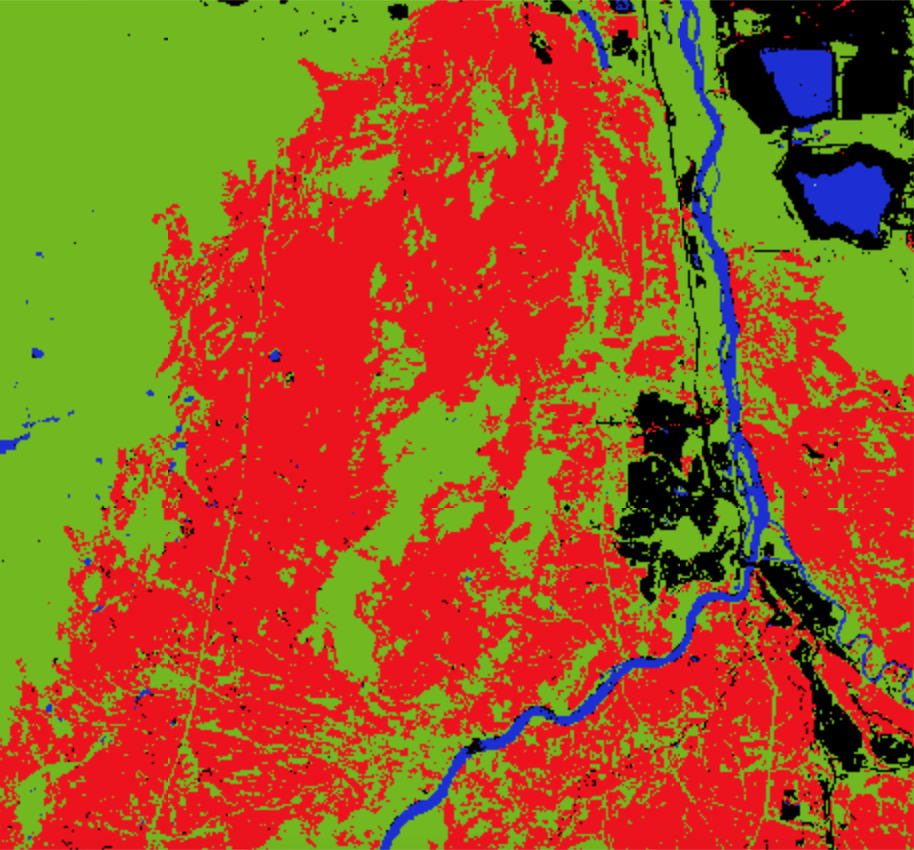
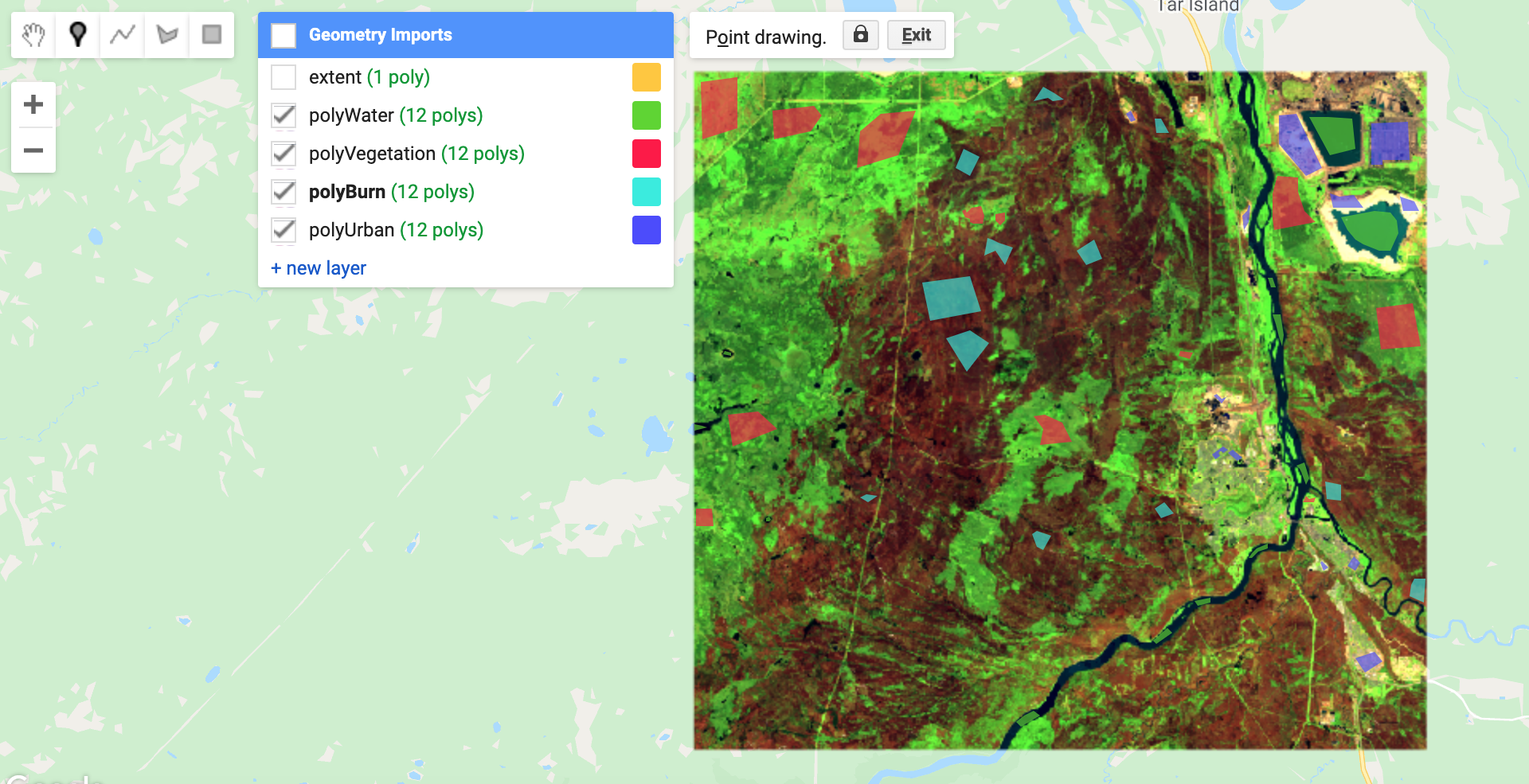
| 09:53, 17 November 2020 | Polygons.png (file) |  |
1.76 MB | Loucasdiamantboustea | 1 | |
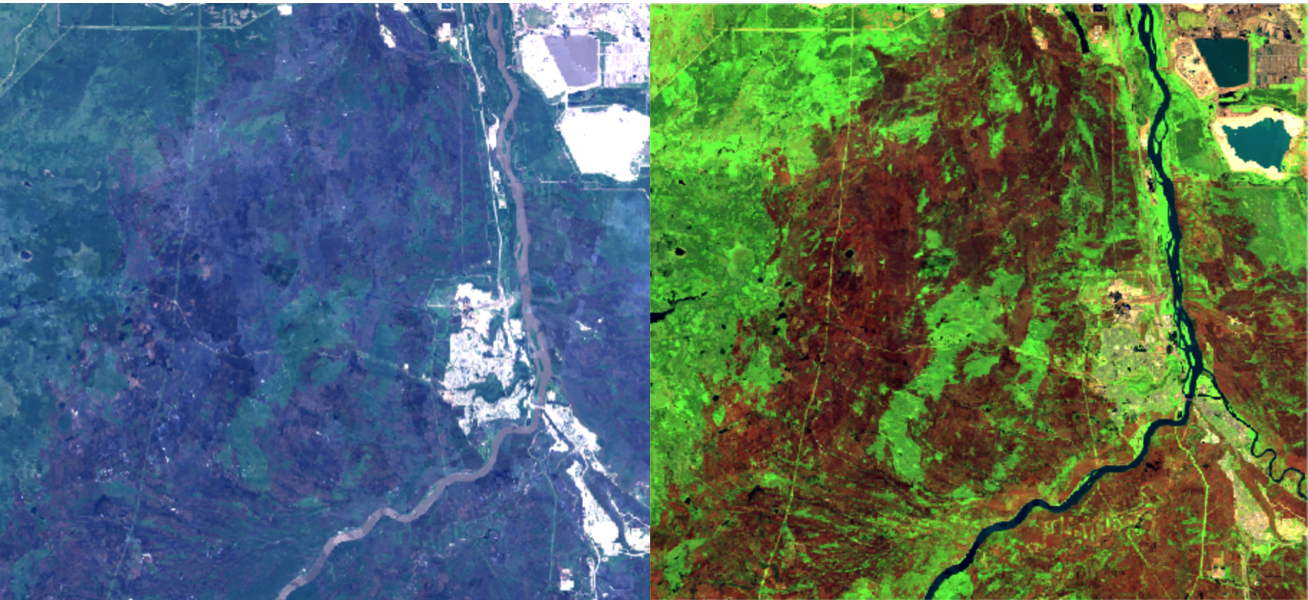
| 09:25, 17 November 2020 | BeforeafterCI.png (file) |  |
1.74 MB | Loucasdiamantboustea | 1 | |
| 09:07, 17 November 2020 | BeforeClassification.png (file) |  |
1.69 MB | Loucasdiamantboustea | 1 | |
| 10:58, 16 November 2020 | GettingStarted.png (file) |  |
1.61 MB | Loucasdiamantboustea | 1 | |
| 10:48, 16 November 2020 | Settings.png (file) |  |
643 KB | Loucasdiamantboustea | 1 | |
| 10:38, 16 November 2020 | BandSettings.png (file) |  |
650 KB | Loucasdiamantboustea | 1 | |
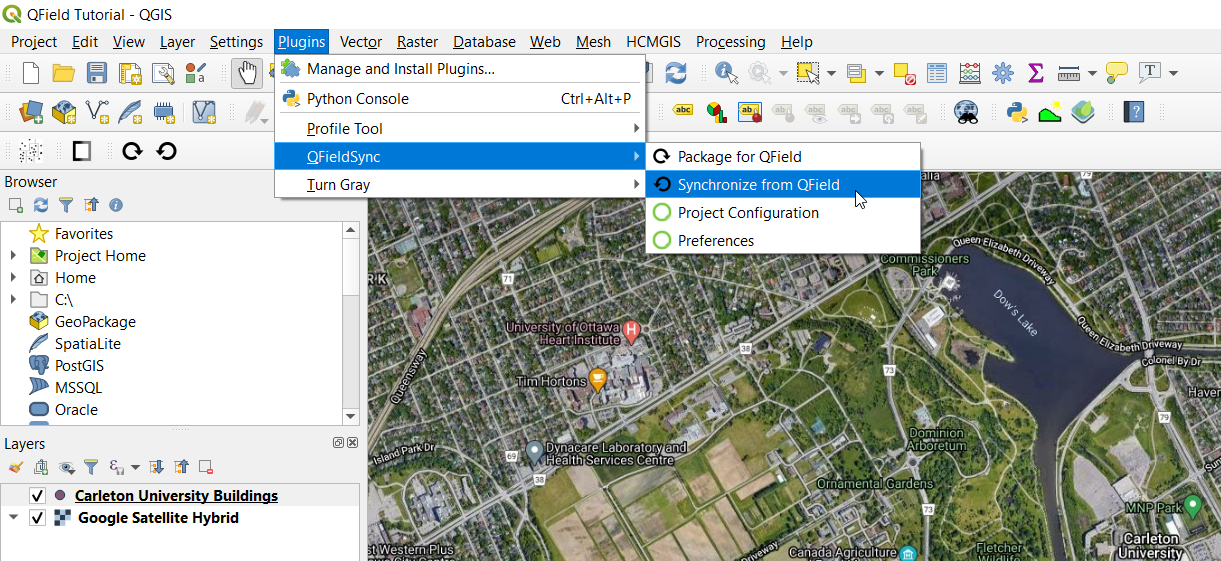
| 20:58, 8 October 2020 | Sync.png (file) |  |
992 KB | Omargaweesh | 1 | |
| 20:57, 8 October 2020 | OL31iCUUV3.jpg (file) |  |
377 KB | Omargaweesh | 1 | |
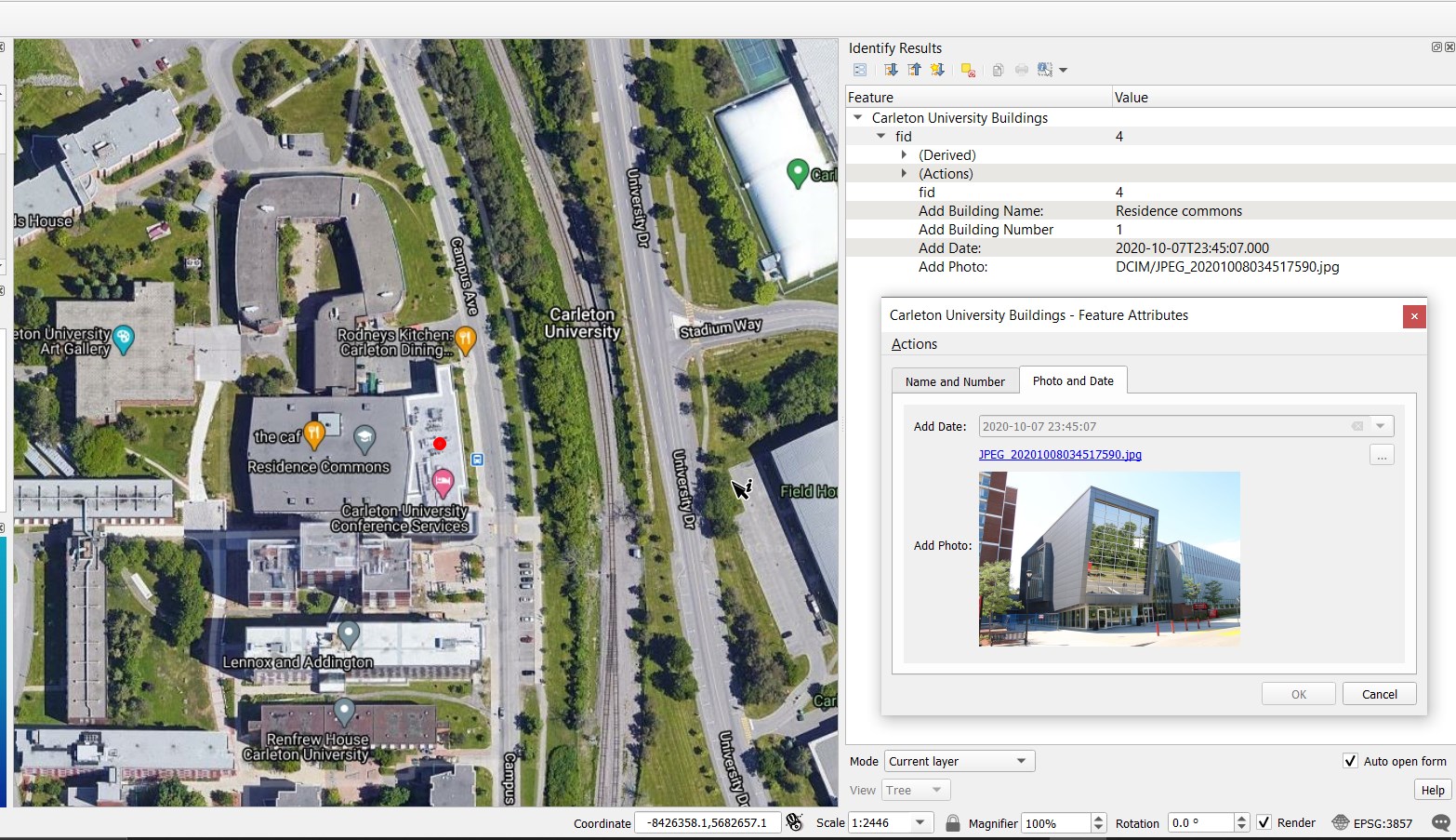
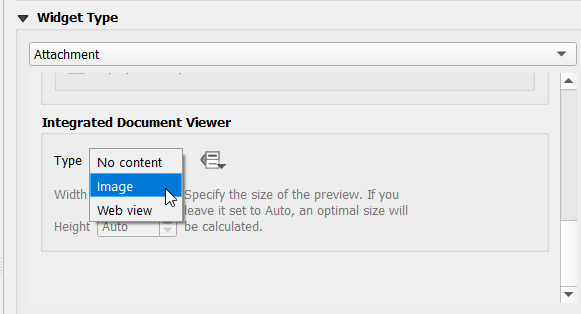
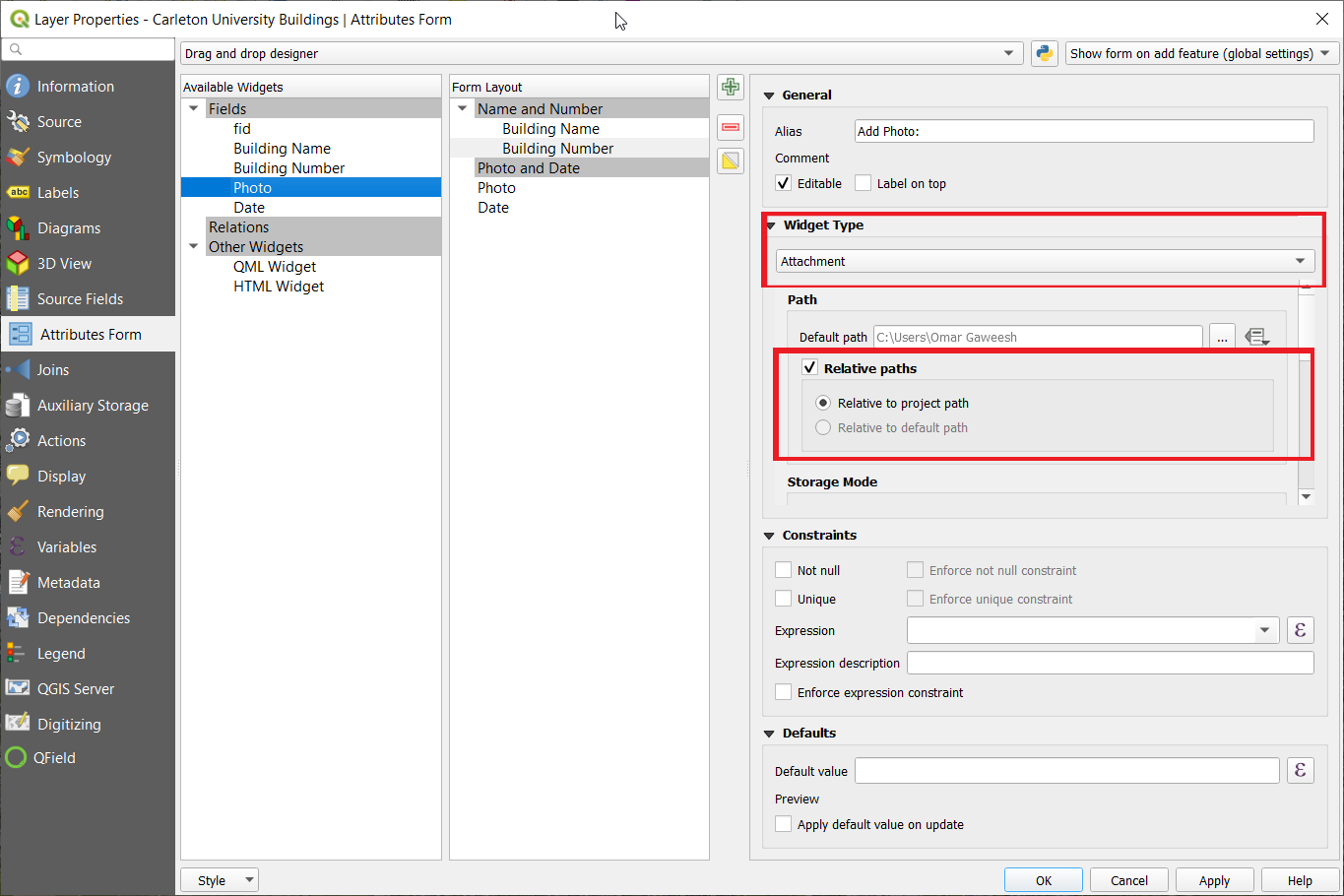
| 20:43, 8 October 2020 | ADDING A PHOTO.png (file) |  |
755 KB | Omargaweesh | 1 | |
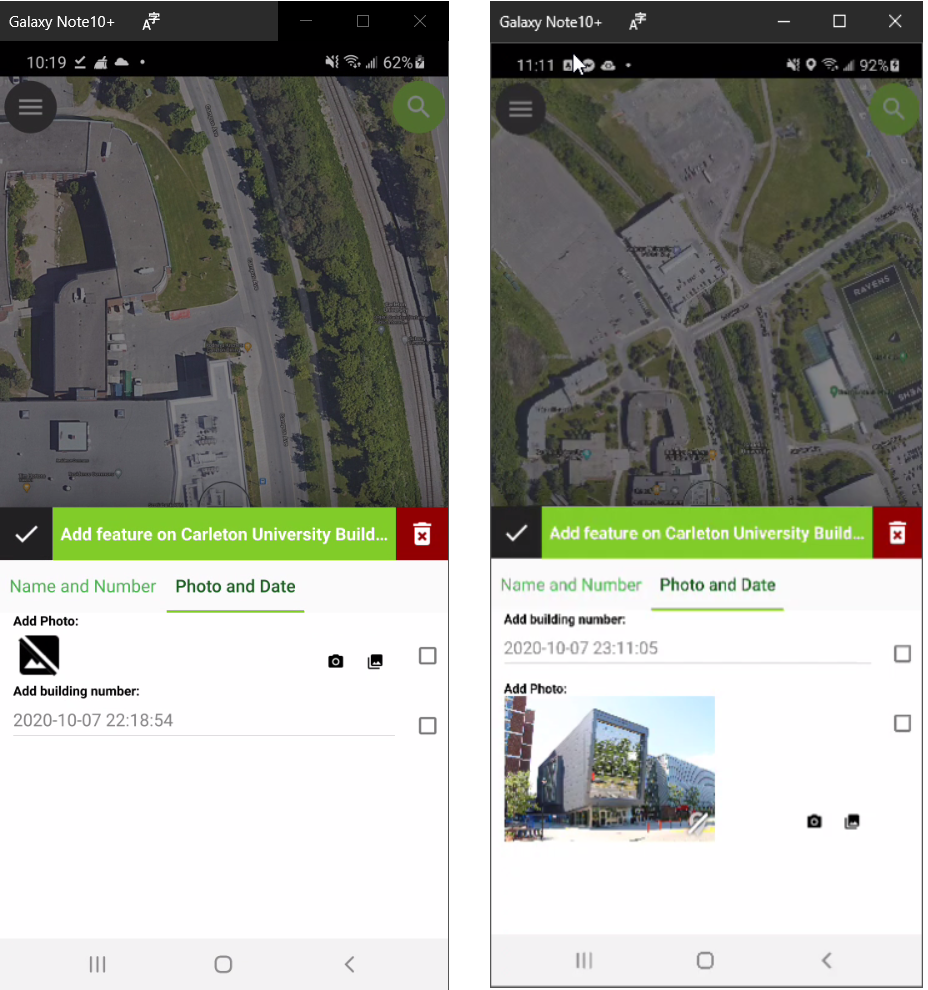
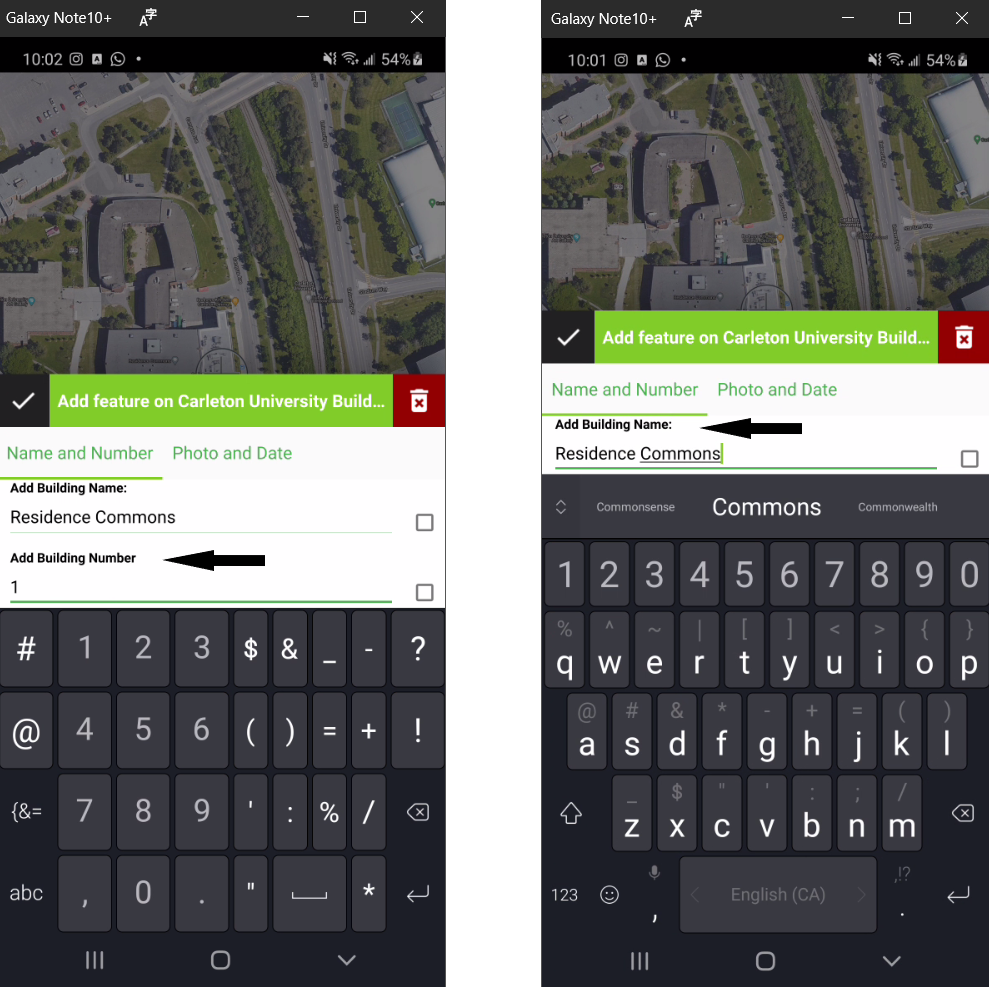
| 20:36, 8 October 2020 | NUMBERVSNAME.png (file) |  |
618 KB | Omargaweesh | 1 | |
| 20:12, 8 October 2020 | MOBILE789.png (file) |  |
1.48 MB | Omargaweesh | 1 | |
| 20:06, 8 October 2020 | MOBILE456.png (file) |  |
1.37 MB | Omargaweesh | 1 | |
| 19:58, 8 October 2020 | MOBILE123.png (file) |  |
235 KB | Omargaweesh | 1 | |
| 19:48, 8 October 2020 | Package result.png (file) |  |
19 KB | Omargaweesh | 1 | |
| 19:48, 8 October 2020 | Package.png (file) |  |
138 KB | Omargaweesh | 1 | |
| 19:46, 8 October 2020 | Fsync2.png (file) |  |
161 KB | Omargaweesh | 1 | |
| 19:41, 8 October 2020 | Fsync1.png (file) |  |
1.1 MB | Omargaweesh | 1 | |
| 19:31, 8 October 2020 | Field and Type 4.png (file) |  |
93 KB | Omargaweesh | 1 | |
| 19:28, 8 October 2020 | Field and Type Photo settings.png (file) |  |
15 KB | Omargaweesh | 1 | |
| 19:26, 8 October 2020 | Photo field Type .png (file) |  |
92 KB | Omargaweesh | 1 | |
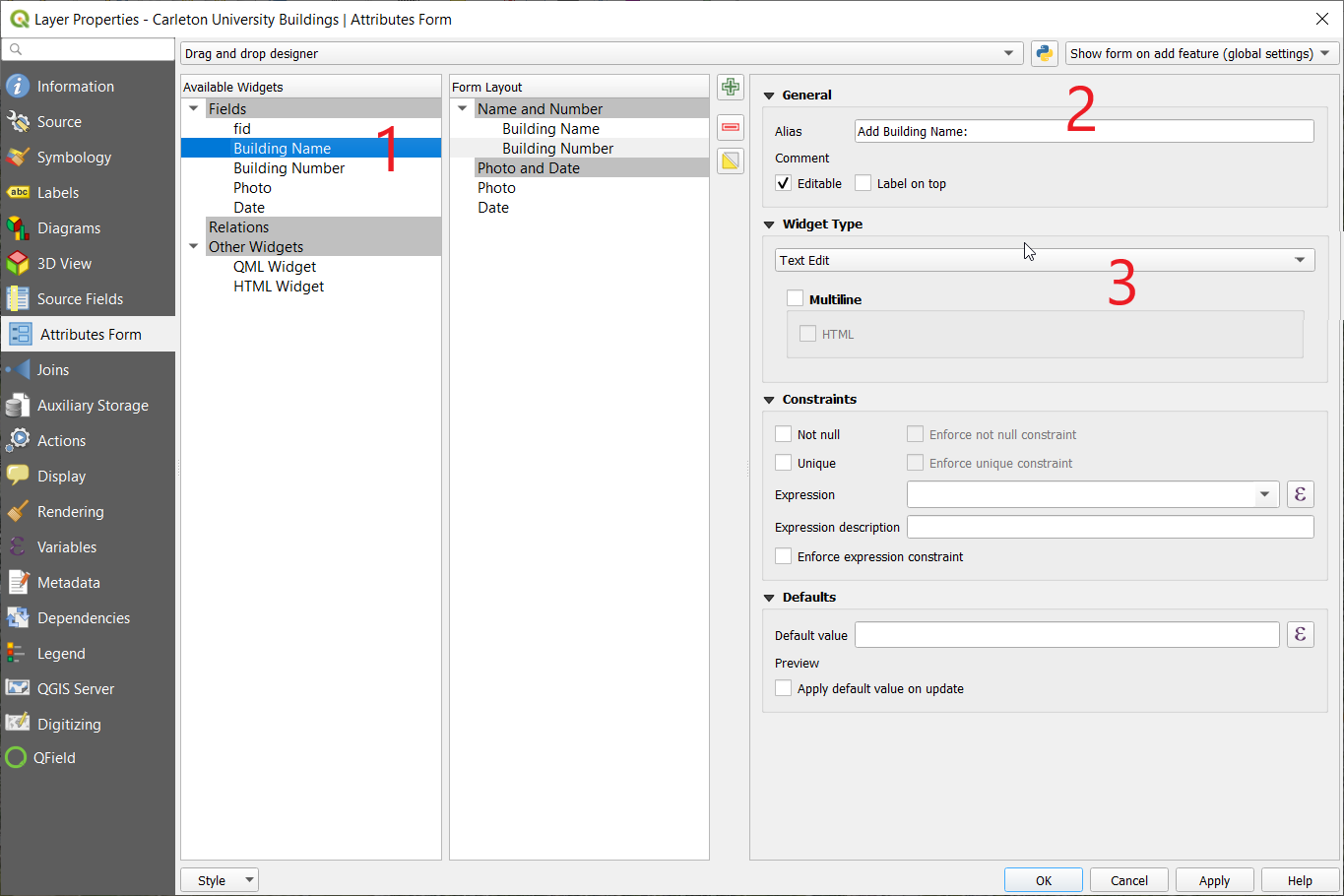
| 19:18, 8 October 2020 | Building Name.png (file) |  |
101 KB | Omargaweesh | 1 | |
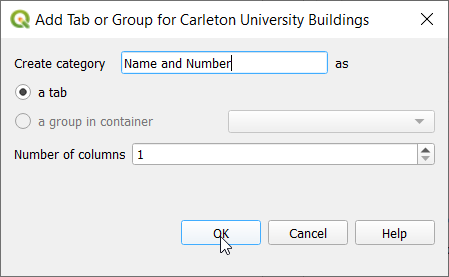
| 19:11, 8 October 2020 | Name and Number.png (file) |  |
10 KB | Omargaweesh | 1 | |
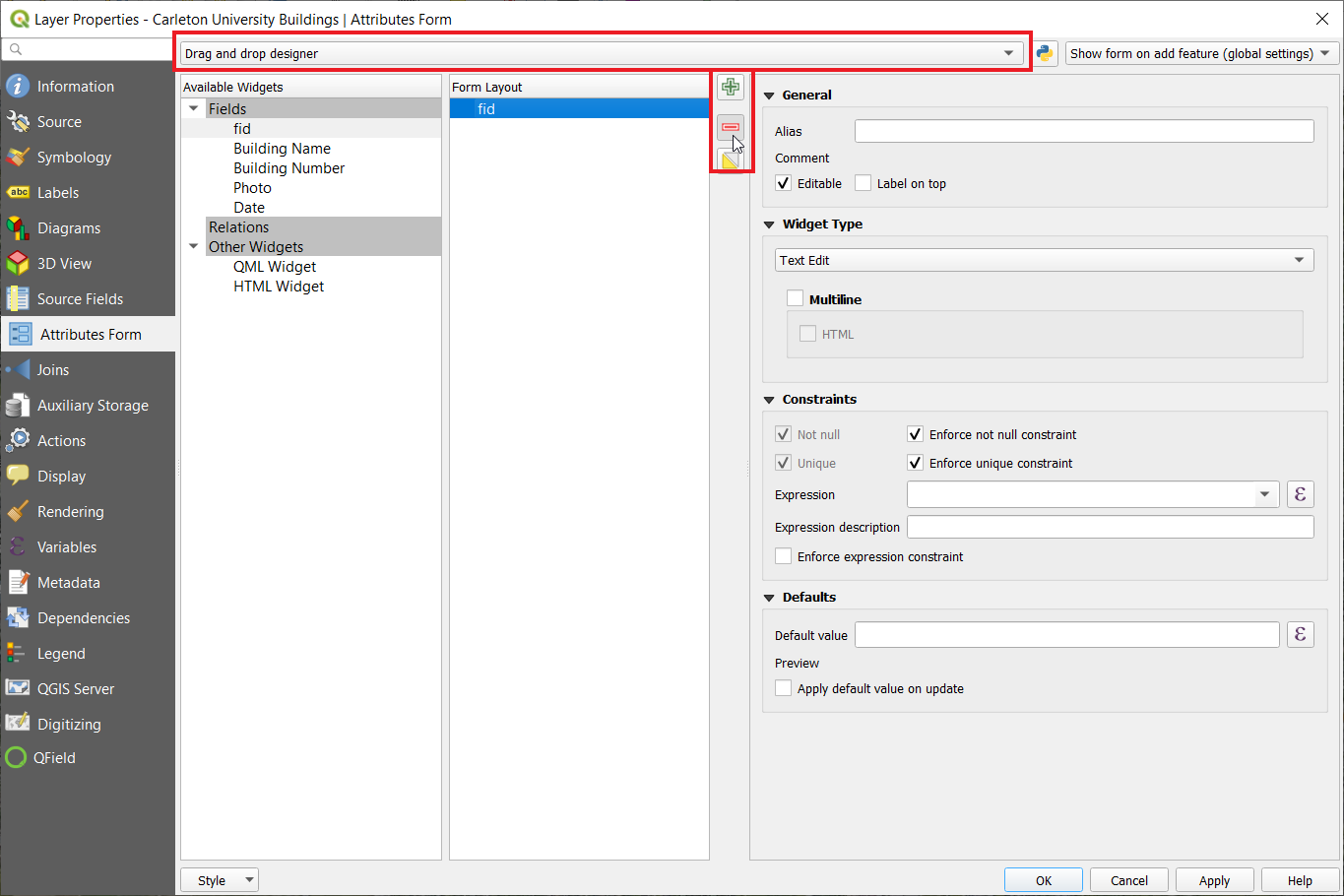
| 19:10, 8 October 2020 | Delete FID and Enable drag and drop.png (file) |  |
82 KB | Omargaweesh | 1 | |
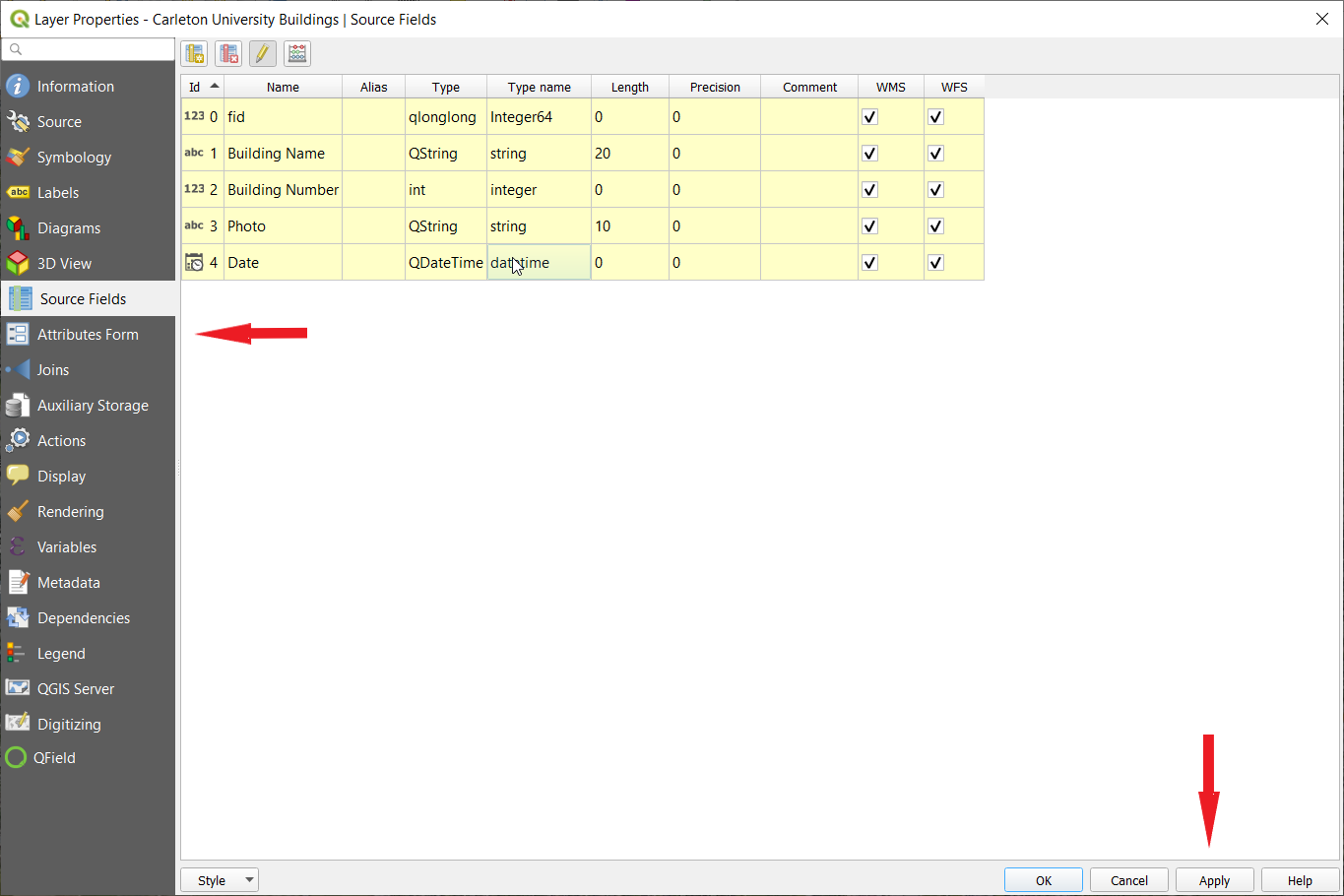
| 19:06, 8 October 2020 | Fields results.png (file) |  |
72 KB | Omargaweesh | 1 | |
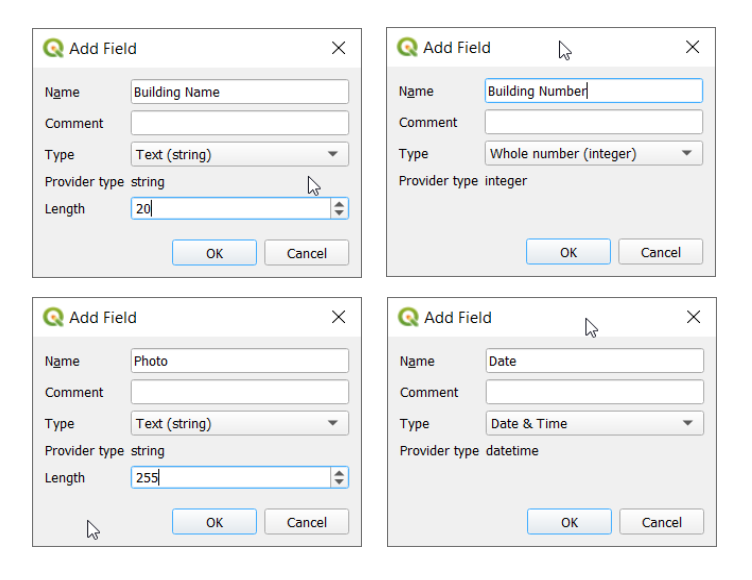
| 19:00, 8 October 2020 | Add Fields.png (file) |  |
55 KB | Omargaweesh | 1 | |
| 18:45, 8 October 2020 | Digitizing on1.png (file) |  |
23 KB | Omargaweesh | 1 | |
| 18:43, 8 October 2020 | Add Field.png (file) |  |
21 KB | Omargaweesh | 1 | |
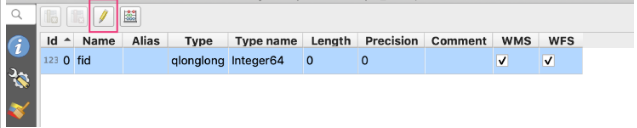
| 18:42, 8 October 2020 | Digitizing on.png (file) |  |
25 KB | Omargaweesh | 1 | |
| 18:32, 8 October 2020 | Adding Fields.png (file) |  |
201 KB | Omargaweesh | 1 | |
| 18:30, 8 October 2020 | GEOPACKAGE LAYER TYPE AND SAVE.png (file) |  |
530 KB | Omargaweesh | 1 | |
| 18:14, 8 October 2020 | Creating Layers.png (file) |  |
665 KB | Omargaweesh | 1 |